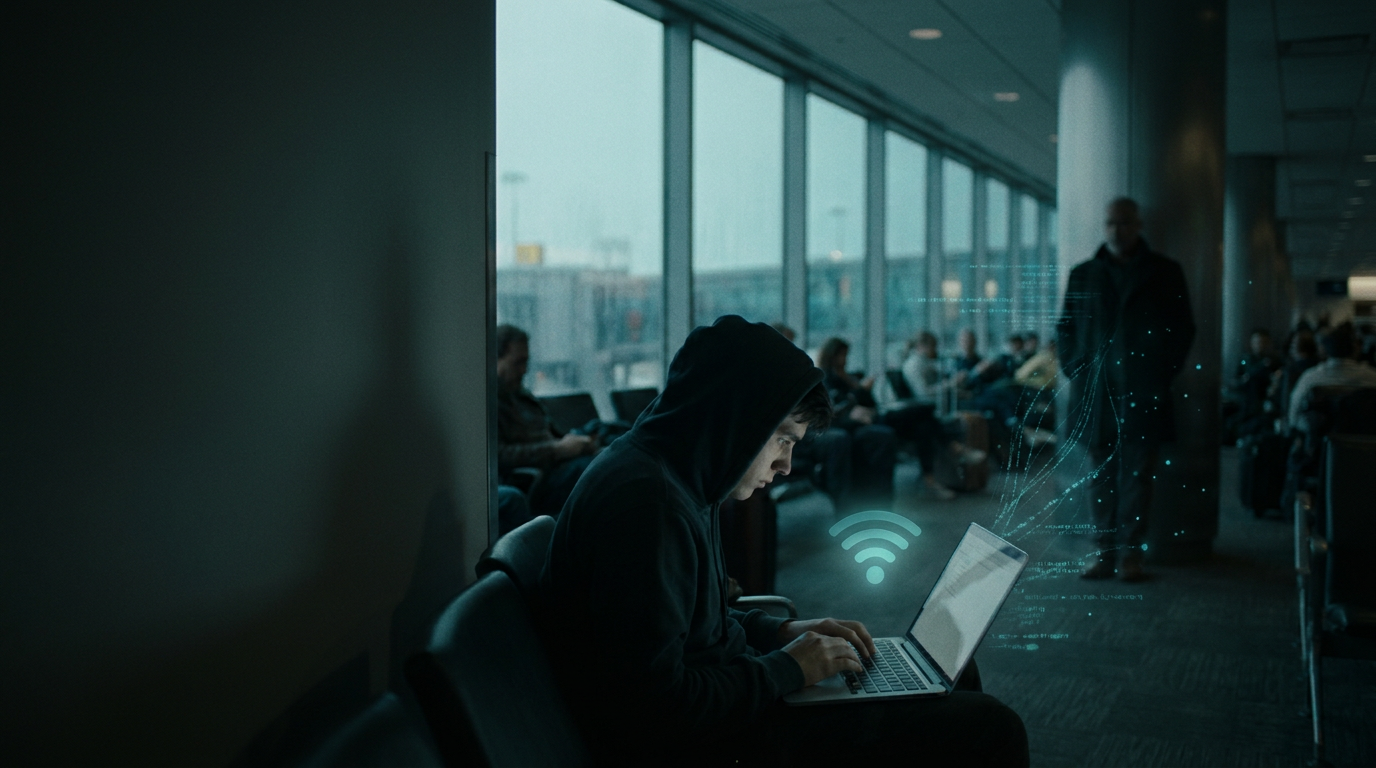
Public WiFi safety looks very different than it did a decade ago. Nearly every site you visit is encrypted with HTTPS, so the old image of a hacker in a coffee shop reading your Gmail in plain text is largely outdated. The threats did not disappear, they evolved. Evil twin hotspots, captive portal phishing, session hijacking, and Bluetooth pairing attacks are alive and well, and they specifically target the people most likely to use airport, hotel, and conference WiFi: executives traveling internationally, journalists protecting sources, remote workers handling client data, and lawyers carrying privileged information on their phones.
This guide cuts through the usual checklists. It covers exactly what an attacker on the same network can still see, which threats HTTPS does not stop, and the layered defenses that actually work. For the physical layer that software cannot replace, our Spy-Fy privacy cases collection sits at the foundation of any serious mobile threat model.
Is public WiFi safe? The honest answer
Public WiFi is safer than it used to be, and more dangerous than most people realize. Both statements are true, and they explain why the topic still matters.
The reason it is safer: HTTPS is now standard on roughly 95% of web traffic, according to Google's Transparency Report. A casual snooper running a packet sniffer at a Starbucks will not see the contents of your banking session, your email, or your messages. The encryption happens between your device and the server, and the WiFi network in the middle just sees scrambled data.
The reason it is still dangerous: attackers stopped trying to read encrypted traffic and shifted to attacking the network itself, the connection process, and the devices on the network. HTTPS does not protect you from a fake hotspot impersonating your hotel's WiFi. It does not protect you from a captive portal page designed to steal your credentials. And it does not protect you from an attacker on the same network probing your laptop's file shares, AirDrop, or Bluetooth radio.
What hackers can actually see on public WiFi
Here is the realistic threat model, broken down by what is visible to an attacker sitting on the same network as you.
What they can see, even with HTTPS
- Which domains you visit. DNS lookups and SNI fields in TLS handshakes reveal that you visited bankofamerica.com, gmail.com, or a specific competitor's site, even if the content stays encrypted.
- Traffic patterns and timing. An attacker can infer that you are on a video call, downloading a large file, or using a specific app based on packet size and timing.
- Device fingerprints. Your laptop and phone broadcast MAC addresses, OS versions, and the names of WiFi networks they have connected to before. That is enough to identify you across visits.
- Anything sent over plain HTTP. A small but real percentage of traffic, especially from older apps, IoT devices, and badly configured corporate tools, still travels unencrypted.
What they cannot see when HTTPS is working correctly
- The contents of encrypted web sessions, including passwords and message bodies.
- Encrypted app traffic from Signal, WhatsApp, iMessage, and most modern banking apps.
- Files transferred over modern cloud services like Google Drive or Dropbox.
The dangers of public WiFi that guides ignore
Most public WiFi safety articles tell you to use a VPN and call it done. That advice is correct but incomplete. Here are the threats that survive HTTPS and most basic defenses.
Evil twin hotspots
An attacker sets up a WiFi access point with the same name as a legitimate one, such as Marriott_Guest or SFO Free WiFi. Your phone, which has connected to that name before or auto-joins open networks, connects to the attacker's router instead. Now they control your DNS, can serve fake login pages, can strip encryption on misconfigured sites, and can run captive portal phishing against you. This is one of the most common attacks against business travelers, and it is nearly invisible if you are not specifically looking for it.
Captive portal phishing
The login page you see when you connect to hotel or airport WiFi is called a captive portal. An attacker running an evil twin can serve a fake captive portal that asks for your email and password, your room number, or credit card details for premium WiFi access. People type these in without thinking because the prompt looks normal.
Session hijacking and cookie theft
If you connect to a site that does not properly enforce HTTPS across every subdomain and resource, an attacker can sometimes capture session cookies and impersonate you. This is rarer than it used to be, but still possible against older corporate web apps, internal tools, and small business sites.
Bluetooth and AirDrop attacks
Public WiFi attackers often pair their efforts with Bluetooth scanning. Open Bluetooth, AirDrop set to Everyone, and active discovery modes let nearby devices probe yours, send unsolicited files, or attempt pairing exploits. The WiFi network and the Bluetooth radio are separate, but the attacker sitting next to you is using both.
Device-to-device probing
On a typical hotel or coworking network, every connected device can often see every other connected device. File sharing, network printers, and AirPlay receivers left enabled are open doors. If you have ever seen Guest's MacBook show up in your Finder sidebar at a cafe, you understand the issue.
How to protect yourself on public WiFi
Defense in depth is the right model. No single tool stops every threat, but a few layers stacked together close almost every gap. Travelers especially benefit from combining device hardening with the practical habits in our guide on working from home safety tips, which apply just as well to hotel rooms and conference lounges.
Layer 1: Network hygiene
- Turn off auto-join for open networks. On iOS: Settings, WiFi, Auto-Join Hotspot, set to Never or Ask. On macOS: WiFi settings, uncheck Ask to join networks for unknown ones.
- Forget networks you no longer use. Old saved networks are evil twin bait. If you connected to a hotel WiFi network years ago, your phone will still trust any network with that same name.
- Verify the network name with staff. At a hotel, ask the front desk. At an airport, check the official signage. Do not trust the strongest signal or the most familiar-looking name.
- Disable file sharing, AirDrop, and Bluetooth discoverability before joining any public network.
Layer 2: Encryption
A reputable VPN encrypts everything between your device and the VPN server, which neutralizes most network-level snooping and evil twin DNS manipulation. Pair it with HTTPS enforcement (most browsers now have an HTTPS-only mode) and you have cut out the majority of passive attacks. For broader digital hygiene beyond the network layer, our guide on how to protect your digital privacy covers the full stack.
Layer 3: Account-level defenses
Multi-factor authentication, ideally using a hardware key or an authenticator app rather than SMS, means that even if credentials leak through a phishing captive portal, attackers cannot actually log in. Treat MFA as non-negotiable on email, banking, and work accounts.
Layer 4: Physical privacy
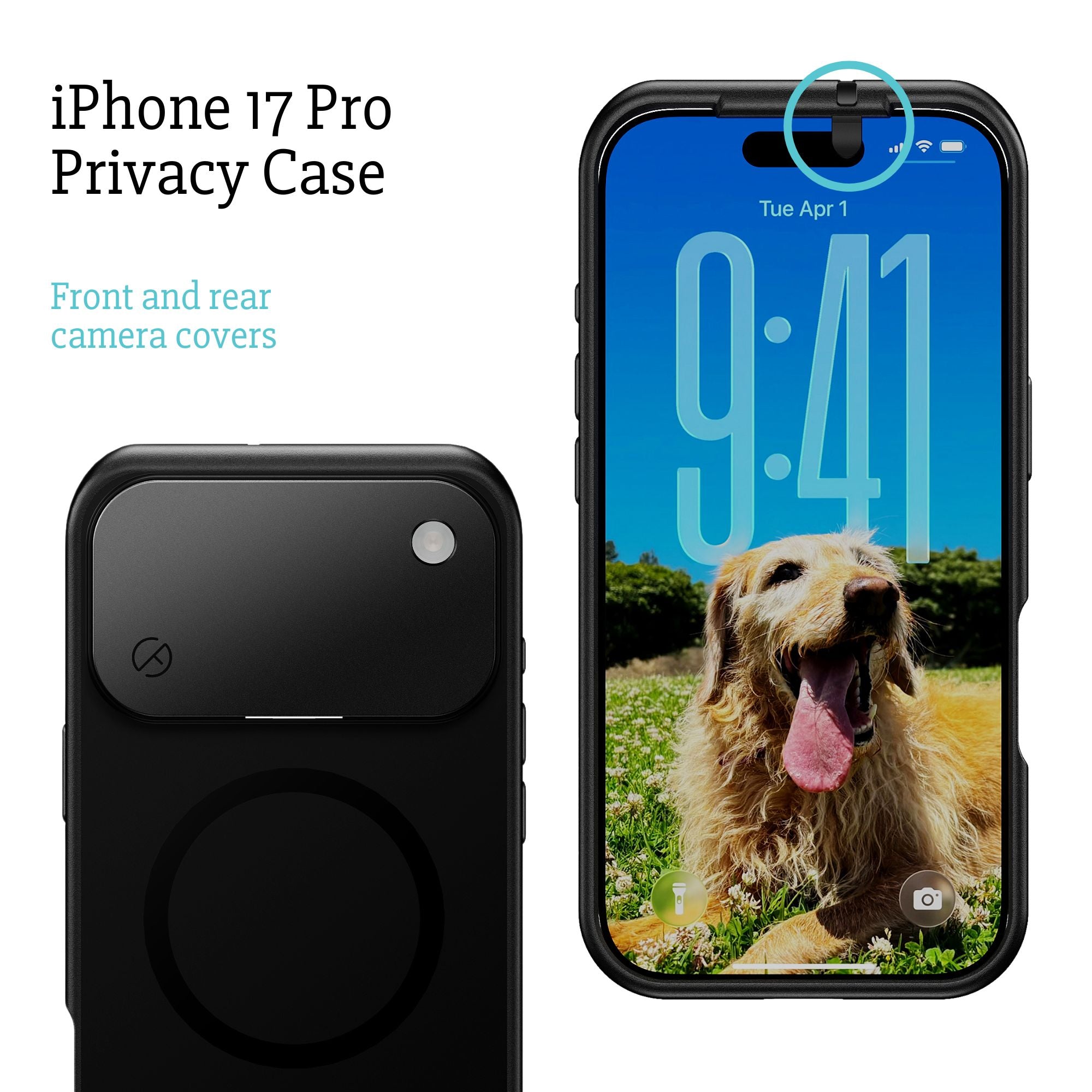
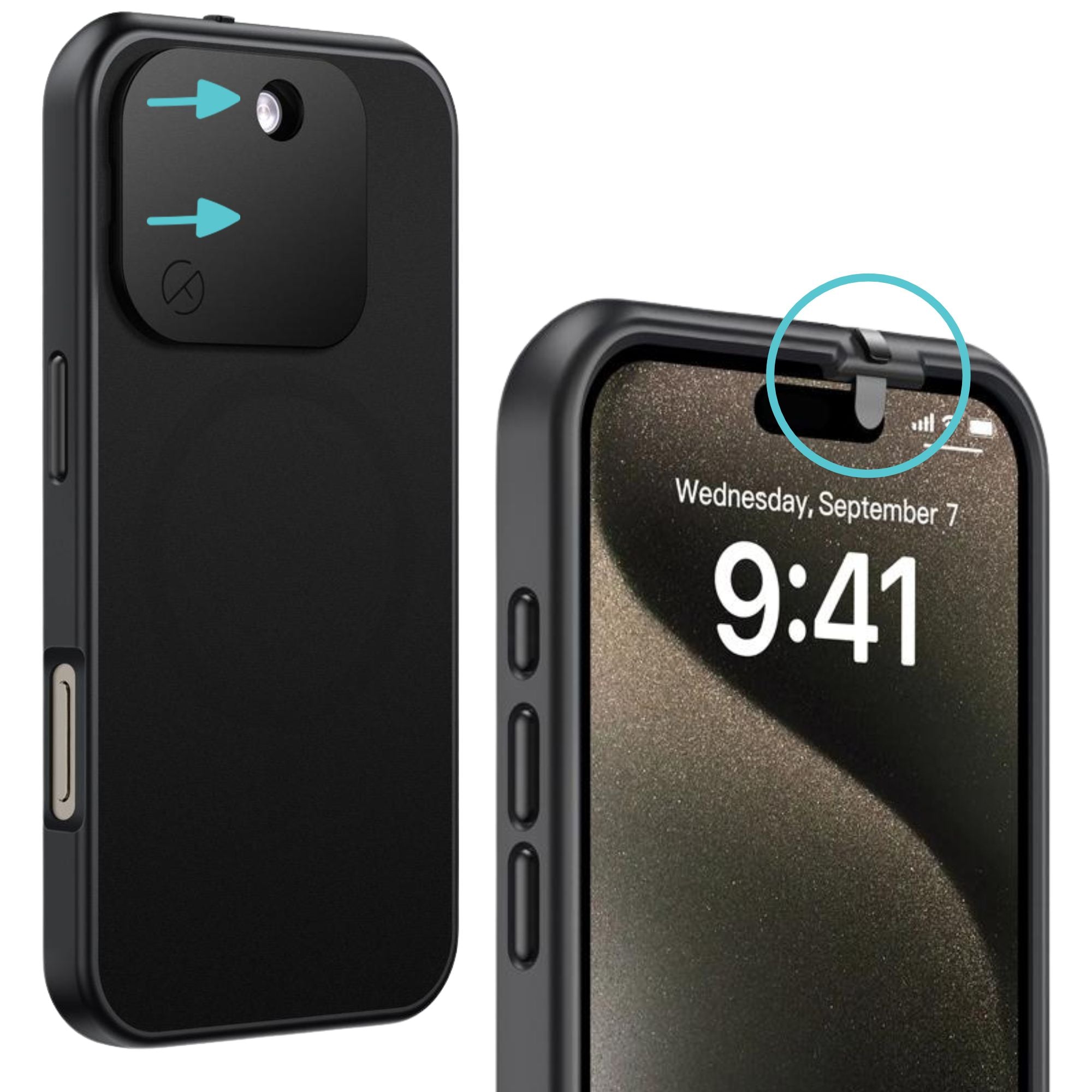
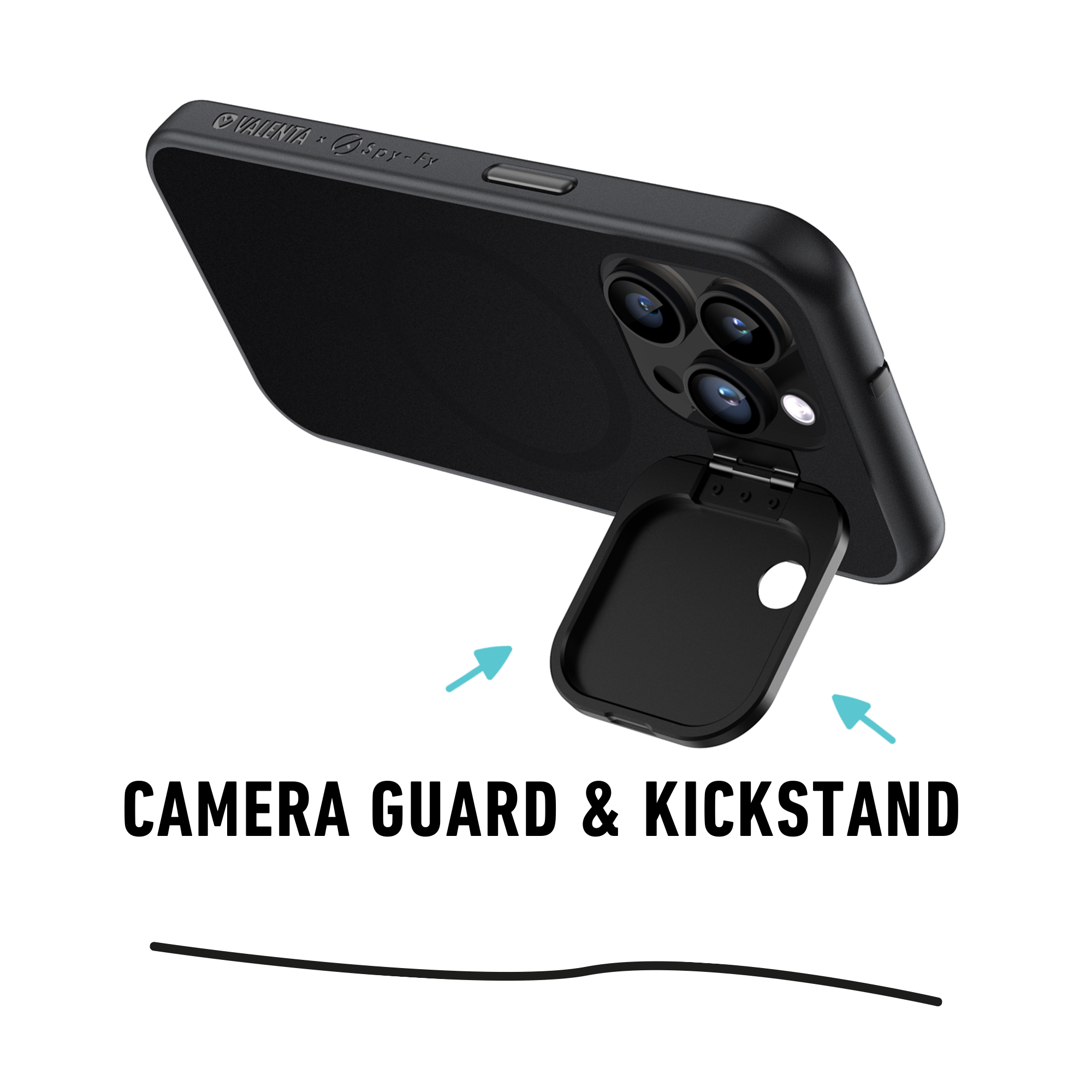
This is the layer most guides skip. A compromised network or a malicious app can attempt to access your camera and microphone. Software permissions can be revoked, faked, or bypassed by zero-day exploits. A physical camera cover cannot. Our iPhone 17 privacy cases include sliding covers for the front and rear cameras, so even if a device is compromised on a hostile network, the lens is physically blocked. The same principle applies to laptops, which is why an iPhone privacy screen protector rounds out the protection against visual snooping on the same hotel lobby couch.
Layer 5: Charging safely
Public WiFi often comes paired with public USB ports at airports, hotels, and conference venues. A compromised USB port can deliver malware or extract data through a technique called juice jacking. The fix is detailed in our breakdown of USB condoms and why you need them: a small adapter that allows power through but blocks data pins entirely.
Hotel WiFi, airport WiFi, and conference WiFi: what is different
Not all public WiFi is equally risky, and the threat model shifts depending on where you are.
Hotel WiFi is one of the worst environments because attackers know exactly who is there: business travelers with corporate devices, often executives. There have been documented cases, including the DarkHotel campaign tracked by Kaspersky for over a decade, of advanced attackers specifically targeting hotel networks to compromise visiting executives. Treat hotel WiFi as hostile by default. Use a VPN, and never bank or access privileged work systems without one.
Airport WiFi is high-volume, low-targeting. Most attacks here are opportunistic: evil twin hotspots, fake captive portals, and Bluetooth probing. The fundamentals (VPN, MFA, no auto-join, Bluetooth off) cover most of it.
Conference WiFi is interesting because everyone on the network is in your industry, which means the attacker might be too. Wall of Sheep demonstrations at security conferences regularly show that even tech-savvy attendees leak credentials. Assume rivals or recruiters could be watching traffic patterns.
What you should never do on public WiFi
If you skip every other section, follow this list.
- Do not log into accounts that lack MFA, especially primary email, which is the recovery channel for everything else.
- Do not dismiss browser security warnings about expired or invalid certificates. On a hostile network, that warning is the attack.
- Do not connect without a VPN if you are handling client data, legal work, medical records, or anything bound by HIPAA or attorney-client privilege.
- Do not assume a network with a believable hotel or airport name is actually that venue's network. Verify with staff.
- Do not leave Bluetooth, AirDrop, or file sharing on Everyone while connected to any public network.
- Do not access work systems on a personal device that does not meet your organization's security baseline. The network amplifies whatever weaknesses the device already has.
The bottom line on public WiFi safety
HTTPS solved the easy problem and exposed the hard one. Attackers moved up the stack, from passive sniffing to active network impersonation, captive portal phishing, and device-level probing. A VPN handles the encryption layer, MFA handles the credential layer, network hygiene handles the connection layer, and physical privacy tools handle the camera, microphone, and USB layer. Stack them, and public WiFi becomes a manageable risk instead of a recurring vulnerability.
For the situations where the right answer is a physically blocked camera the moment a hostile network is in play, the full Spy-Fy privacy cases collection gives you the layer software alone cannot provide. If you travel regularly or handle sensitive information, pairing a privacy case with strong account hygiene is the most reliable way to keep what an attacker can see down to almost nothing.